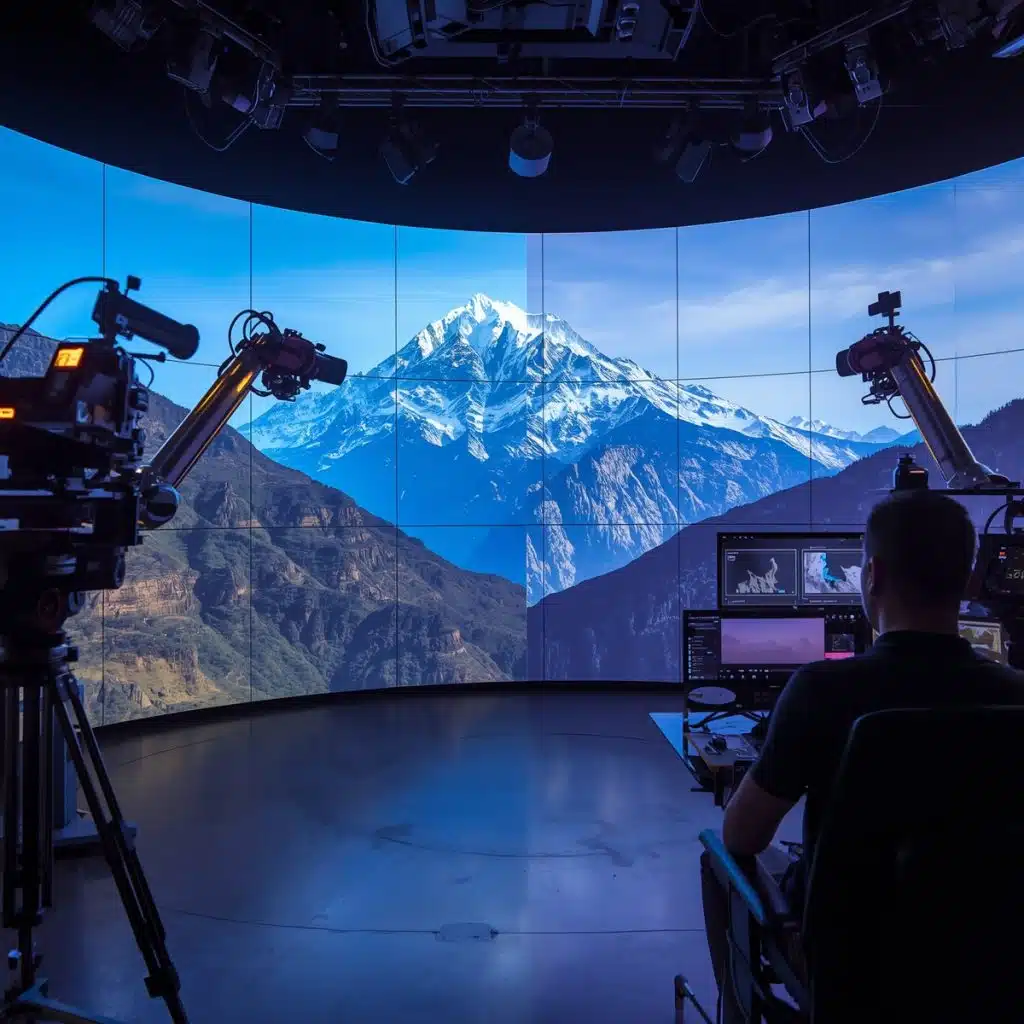
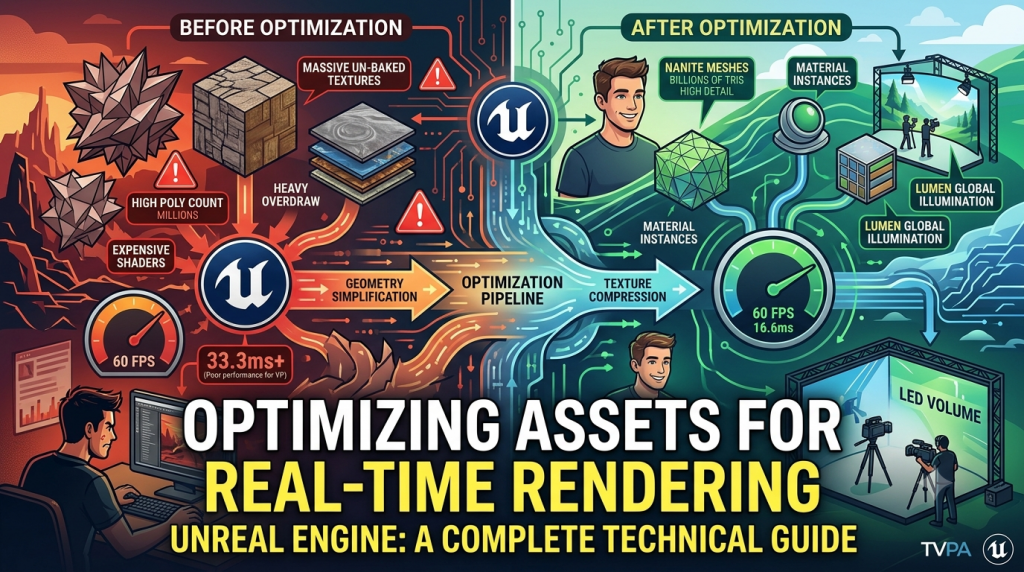
Optimizing Assets for Real-Time Rendering in Unreal Engine: A Complete Technical Guide
CONNECT WITH US
Why Optimization Matters in Real-Time Rendering
- LED walls demand consistent frame pacing
- Camera tracking relies on stable frame rates
- Any stutter becomes visible on the wall and therefore in the camera
- Large environments must load instantly
- Actors depend on responsive environments
The Real-Time Rendering Budget Explained
- Pixel shading
- Lighting calculations
- Shadows
- Material evaluation
- Reflection & GI systems (Lumen, Screen Space Reflections)
- Post-processing
- Nanite triangle evaluation
- Virtual textures streaming
- GPU particle simulations
1. Geometry Optimization (Nanite vs. Traditional)
Nanite: The Virtualized Geometry System
Nanite allows artists to import film-quality assets with millions of polygons. Under the hood, Nanite performs:- Hierarchical culling
- Clustering into small triangle groups
- Distant detail reduction
- Per-pixel LOD selection
- Rocks, cliffs, buildings, props
- Hard-surface models
- Photogrammetry assets
- High-density meshes
- Characters
- Foliage
- Transparent meshes
- Complex deforming meshes
2. LOD Management: A Theoretical Backbone
- Skeletal meshes
- Foliage
- Vehicles
- Cloth
- Hair
- LOD0: Hero mesh
- LOD1: 50% triangle reduction
- LOD2: 75% reduction
- LOD3+: Aggressive reduction for distant silhouettes
3. Material Optimization: The Hidden Performance Killer
- Minimize texture lookups
- Avoid pixel-heavy operations (expensive math nodes, large loops)
- Use Material Instances instead of unique materials
- Use packed textures (R,G,B,A channels) to reduce texture count
- Keep translucency usage low (it bypasses many GPU optimizations)
- Avoid layered materials unless absolutely necessary
- baked lighting
- normal maps
- masks
- simple roughness/metallic workflows
4. Texture Optimization & Virtual Texturing
- Use power-of-two textures
- Stick to 2K for most surfaces (4K only for hero assets)
- Use virtual textures for large landscapes and tileable surfaces
- Keep normal maps unclamped (BC5 compression)
- Use proper compression (BC7, DXT1, DXT5 depending on use)
5. Lighting Optimization for Real-Time Workflows
- Avoid multiple fully dynamic spotlights or point lights
- Disable “cast shadows” on unnecessary lights
- Limit shadow resolution
- Use Moveable sparingly
- Prefer Stationary when possible
- Simplify light radius
- Lumen reflections
- Distance Field Ambient Occlusion
- Ray-traced shadows (only if the hardware supports it)
6. Shader Complexity Tools: Theoretical Understanding
- Green → cheap
- Yellow → moderate
- Red → expensive
- White → extremely expensive (avoid at all costs)
7. Foliage Optimization (The Heavyweight Enemy)
- It uses alpha cards
- It animates
- It overlaps thousands of times
- It requires multiple light evaluations
- Use Hierarchical Instanced Static Meshes (HISM)
- Keep foliage density realistic
- Use billboard LODs
- Use dithered transitions instead of hard swaps
- Simplify wind animations
- Keep shader complexity minimal
8. Virtual Shadows & Reflections
- Lowering shadow resolution
- Using distance field shadows
- Culling far-away shadow casters
- Combine Screen Space Reflections (SSR) + Lumen for balanced results
- Use reflection captures for stable detail
- Reduce glossy materials on massive surfaces
9. Virtual Production–Specific Optimization Rules
LED volumes have unique constraints:
1. Keep frame timing consistent
Camera captures screen refresh- any stutter becomes visible.
2. Avoid overbright HDR textures
LED walls clip easily; keep exposure neutral.
3. Optimize environments for parallax
High frame rate = stable parallax = believable environments.
4. Limit animated real-time effects
Flickering or particle-heavy scenes strain the wall.
5. Use Nanite for static meshes in VP
It reduces overhead and minimizes pop-in.
10. Asset Streaming & Memory Management
- Mips reduce texture size at distance
- HLOD merges distant geometry clusters
- Streaming budgets prevent memory spikes
- Async loading avoids frame drops
Conclusion
Optimizing assets for real-time rendering is both an art and a science. Unreal Engine offers extraordinary power, but it demands disciplined asset management, efficient materials, careful lighting, and smart geometry handling. In Virtual Production, optimization is not optional- it’s the backbone that keeps Unreal Engine scene project on LED walls smooth, camera tracking stable, and performance seamless.
When artists understand the theory behind rendering budgets, shader cost, geometry complexity, and memory management, they create assets that look cinematic and run flawlessly. A well-optimized environment lets directors, actors, and crews interact with worlds that feel alive, without compromising frame rate or visual fidelity.
At TVPA, we empower creators with these optimization principles so they can build high-performance virtual worlds that are production-ready from day one.
RECENT POSTS
From Green Screen to Global Stage: The Making of Echoes of Fire
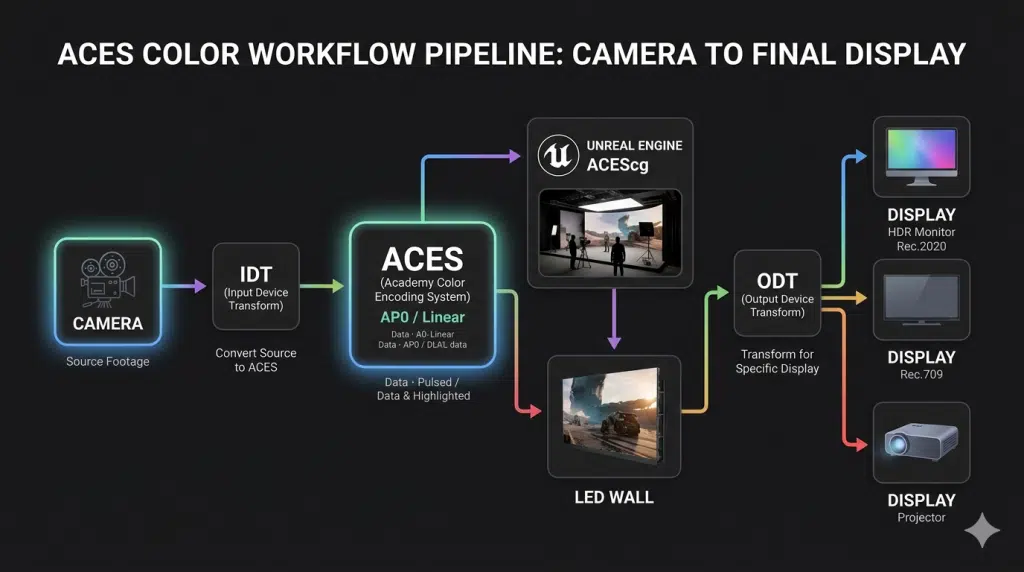
Colour Management in Virtual Production: A Practical ACES Workflow Guide
Optimizing Assets for Real-Time Rendering in Unreal Engine: A Complete Technical Guide
Scalability of Virtual Production for Indie Filmmakers
How In-Camera VFX (ICVFX) Works: The Future of Visual Storytelling